0 €
- 4 templates
- Export at 1080p, 30 frames per second
- Every editing tool
- No sign-up
Enough to judge for yourself before paying.
 QuickCut
QuickCut is a slot-based video editor. You draw a frame — a facecam here, the gameplay there, a title at the bottom — then drop different files into it for each edit. The tenth video in a series costs you the time it takes to pick the footage.
Windows · One-time payment, no subscription · Rendered on your machine
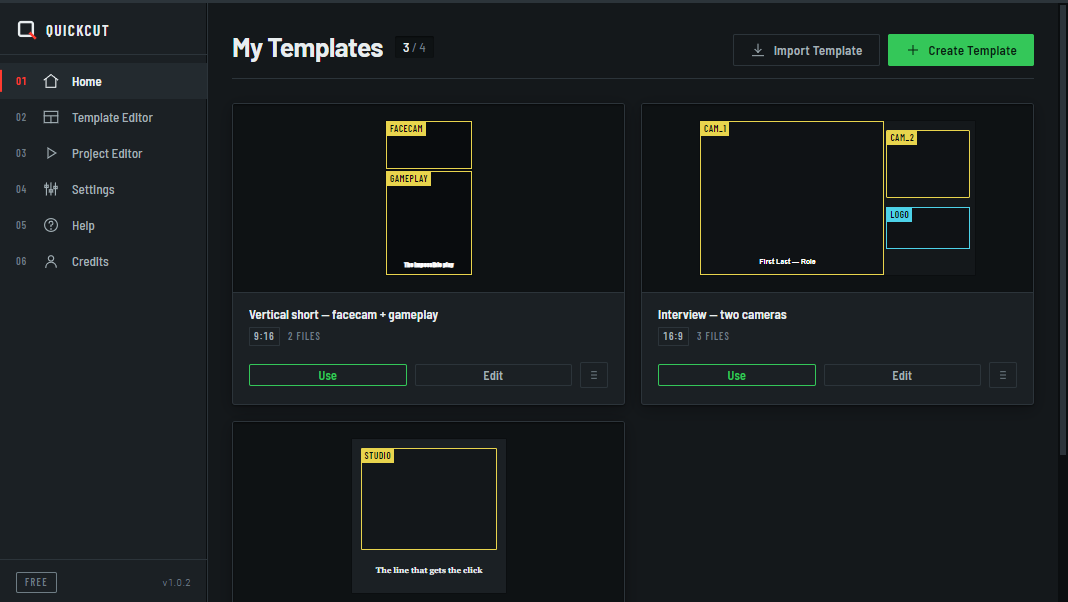
This is the only idea to remember. Two zones that share a slot name ask you for one file only at render time, even when they appear in two places in the video.
You name the zones once and for all: facecam, gameplay, title.
→ webcam_ep12.mp4→ replay_ep12.mp4→ “The impossible play”QuickCut asks for one file per slot. Not one per zone.
Encoding happens on your machine, with hardware acceleration when your graphics card allows it.
Episode 13: the same slots, different files. The frame never moves again.
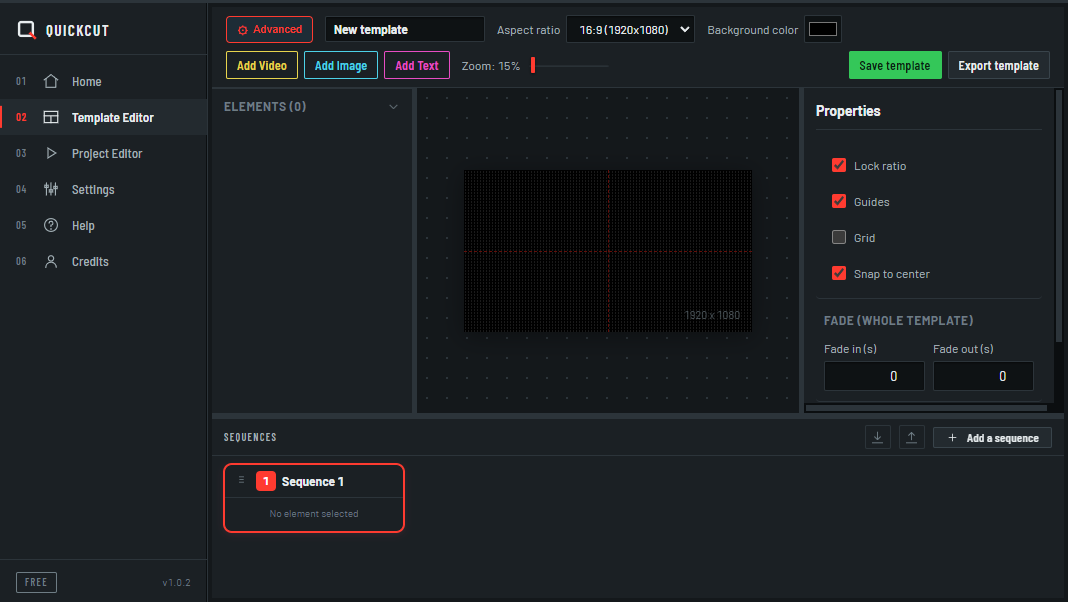
A canvas, handles, a magnet in the middle. Two modes: Simple shows the essentials, Advanced opens up opacity, rotation, outlines, blur, rounded corners, sequences and the grid.
0 €
Enough to judge for yourself before paying.
49 € 29 €
One-time payment. No subscription, no renewal.
Launch price. The reference price is €49.
Better said before the purchase than after. A refund costs more than a sale that never happens.
No macOS or Linux version so far.
No multitrack timeline like Premiere. QuickCut serves the repetition of one frame, not the bespoke editing of a one-off piece.
Trimming, layout, text, outlines, blur, fades. Nothing more.
To activate your key. After that QuickCut works offline, and your files never leave your machine.
A licence activates on two computers and binds to them permanently. No release is possible — not from the software, not on request. A third machine means buying another licence. Reinstalling Windows counts as a new machine.
Two, and those two activations are permanent. An activated computer cannot be released: there is no button, no procedure and no request that frees a slot. So choose your two machines carefully. Beyond that, you need to buy another licence. Note that reinstalling Windows changes the machine fingerprint, which uses up an activation.
Nothing. Activation needs a connection once. After that QuickCut checks its licence locally and keeps working offline.
No. Encoding happens on your machine with a bundled FFmpeg. No file ever passes through a server.
Yes. A template exports as a .qct file, a single sequence as .qcs. Both import back into QuickCut.
No. Free exports are clean; they are only capped at 1080p and 30 frames per second.